


Lumixia Portable Full HD 1080p Smart Projector | Wireless WiFi Same Screen Mirroring | Compatible with iOS, Android, Laptops & Gaming Consoles
Lumixia Portable Full HD 1080p Smart Projector | Wireless WiFi Same Screen Mirroring | Compatible with iOS, Android, Laptops & Gaming Consoles
Couldn't load pickup availability
## ✨ Transform Your Space into a Private Cinema! 🎬
Experience the magic of the big screen from the comfort of your home. This sleek, ultra-portable projector brings your favorite movies, games, and memories to life with stunning clarity and vibrant color. Whether it's a cozy movie night or a high-octane gaming session, your wall is your new canvas. 🌟
---
## 🛠️ Technical Specifications
| Feature | Performance Details |
| :--- | :--- |
| **Native Resolution** | 854 x 480 Pixels (Crisp SD) |
| **Max Resolution** | 1920 x 1080 Full HD Support |
| **Contrast Ratio** | 1000:1 (Deep Blacks & Bright Whites) |
| **Display Tech** | 4.0" LCD Imaging System |
| **Lamp Life** | 30,000+ Hours (10+ Years of usage!) |
| **Keystone** | Vertical +/- 15° (Manual Adjustment) |
| **Connectivity** | HDMI, USB, VGA, AV, SD Card, 3.5mm Aux |
---
## 📏 Perfect Fit: Size & Distance Guide
Find the "Sweet Spot" for your setup to ensure the most immersive viewing experience.
| Projection Distance | Screen Size (Diagonal) | Best For: |
| :--- | :--- | :--- |
| **0.8 Meters** | 24 Inches | 🖥️ Desktop Mirroring |
| **2.5 Meters** | 80 Inches | 🍿 **The Golden Zone (Best Quality)** |
| **3.8 Meters** | 85+ Inches | 🌌 Ultimate Immersive Cinema |
---
## 💡 Expert Pro-Tips for Peak Performance
> [!tip]
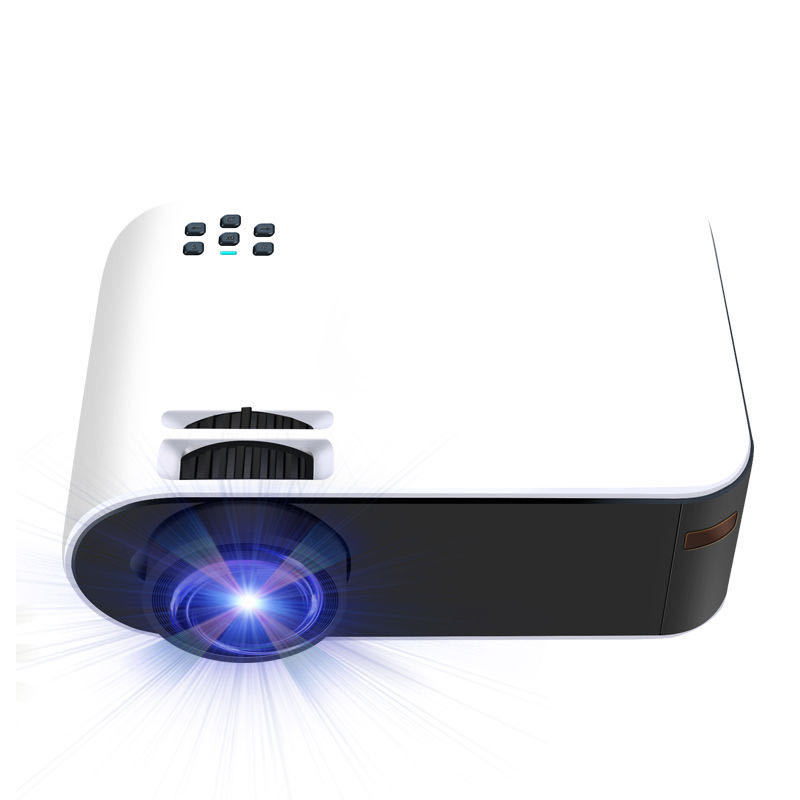
> **For the White & Black Model:** To keep your unit looking pristine, use a microfiber cloth for the white chassis. Ensure at least 10cm of space around the vents to prevent the black heat-sync area from overheating.
> [!important]
> **For 80" Installations (Best Size):** Place the projector exactly **2.5 meters** from the wall. This balances pixel density and brightness perfectly, giving you that "theater look" without losing detail.
> [!note]
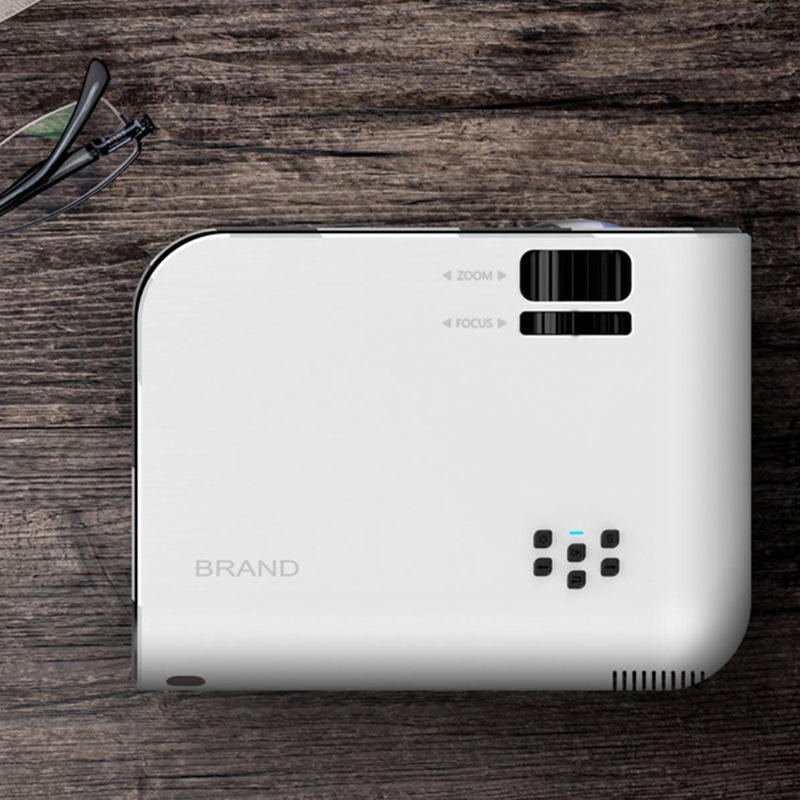
> **Focus & Keystone:** Always adjust the **Vertical Keystone (+/- 15°)** first to square the image, then use the manual lens ring to sharpen the focus.
> [!warning]
> **Audio Tip:** For the best cinematic sound, use the **3.5mm output** to connect external speakers or a soundbar, especially when using the maximum 85" screen size.
---
### 🚀 Quick Start Guide
1. **Power Up:** Connect the power cable and press the top power button.
2. **Source Select:** Plug in your HDMI (Console/Laptop) or USB and select the source via the on-device buttons.
3. **Align:** Adjust the distance (0.8m – 3.8m) based on your room size.
4. **Enjoy:** Dim the lights, grab the popcorn, and enjoy the show! 🍬🥤


Collections
-

Chic Gentle Human+Pets welln̈ess & educational toys plus MORE!
Chic humans pets store plus more! Pet your pets and save money....
-

Chic. Gentle Human/Pets highest quality products plus more!
Affordable highest quality products. For all human and pets . Affordable Services...

